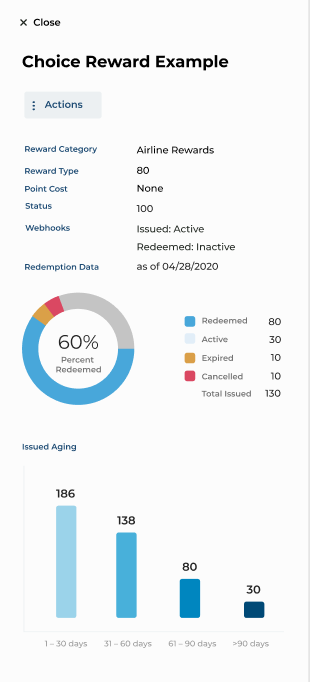
To view the operational status of webhooks associated with an internal or choice reward, follow these steps:
1. Click Rewards in the Inspire Program Menu.
2. Click the Reward Type drop-down menu, and select Choice.
3. Hover your cursor over the column to the right of the Reward Type column to see the Quick View option appear.
4. Click Quick View.
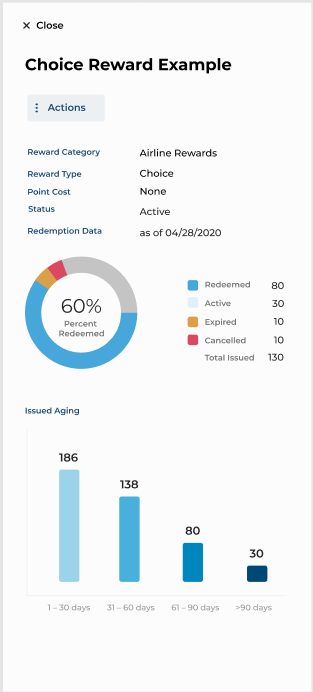
5. If there are no webhooks associated with the selected Choice Reward, the following information will be displayed (no webhooks shown):
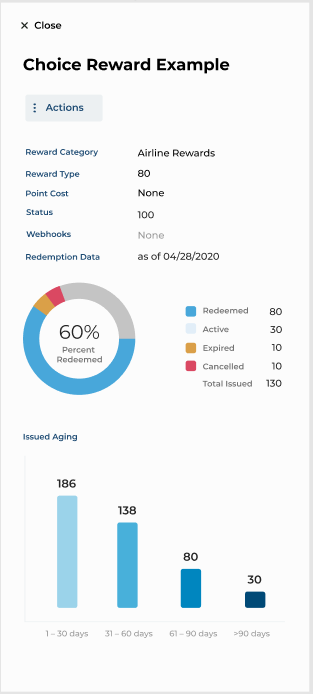
6. If there are webhooks associated with a Choice Reward, the following information will be displayed:
7. If webhooks associated with a Choice Reward are in use, the following information will be displayed: